
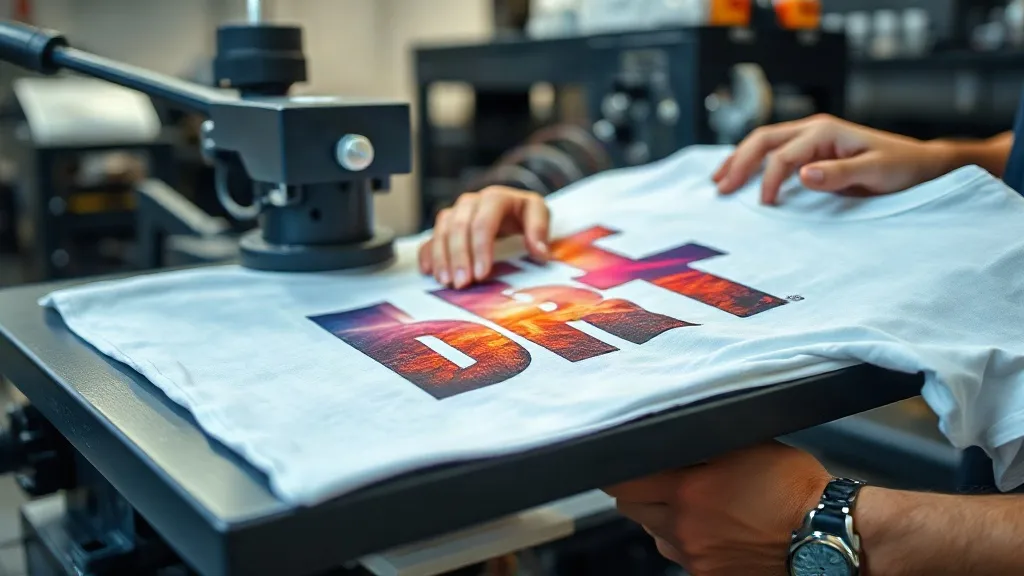
You've dialed in your printer, your color profiles are on point, and your dtf transfers look vibrant coming off the film. But then you press them onto a shirt and something goes wrong: the colors look washed out, the edges peel, or the print cracks after a few washes. The culprit is often the pressing stage, not the printing. In this guide, we'll walk through the most common pressing problems and how to fix them, so you can achieve consistent, professional results with your dtf transfers.
Why Pressing Is the Make-or-Break Step for DTF Transfers
DTF transfers rely on a thermoplastic adhesive powder that melts and bonds to the fabric under heat and pressure. Unlike vinyl or screen print, the bond is chemical and mechanical. If the press parameters are off, the adhesive won't fully activate, leading to poor wash durability. Similarly, excessive heat can degrade the powder or the fabric, causing discoloration or scorching. Understanding the interplay of temperature, pressure, and time is essential for reliable results.
Common Pressing Issues and How to Solve Them
1. Print Peels After Washing
This is the most frequent complaint. If your transfer lifts at the corners or completely detaches after a wash, the adhesive didn't bond properly. Possible causes:
- Insufficient pressure: The press must apply even, firm pressure. If the pressure is too low, the powder won't penetrate the fabric fibers. Check your press's pressure setting and ensure the platens are parallel.
- Temperature too low: The adhesive needs a specific temperature range to melt. If the press is running cool, the powder won't fully activate. Use a heat gun or infrared thermometer to verify the actual platen temperature.
- Time too short: Pressing for less than the recommended time (usually 10-15 seconds) doesn't allow the adhesive to flow. Always follow the transfer supplier's guidelines.
- Fabric moisture: Pre-press the garment to remove moisture. Steam can create a barrier between the adhesive and the fabric.
Solution: Increase pressure, verify temperature with a reliable thermometer, extend press time slightly, and always pre-press the garment for 5-7 seconds to eliminate moisture.
2. Dull or Faded Colors After Pressing
You printed a vibrant design, but after pressing, it looks muted. This usually happens when the press is too hot or the dwell time is too long. Excessive heat can cause the pigments in the ink to degrade or the white ink layer to become translucent. Additionally, over-pressing can flatten the ink film, reducing its vibrancy.
Solution: Reduce temperature to the recommended range (typically 300-320°F / 150-160°C) and shorten press time. Use a lower pressure if possible. Always do a test press on a scrap piece of fabric to dial in settings.
3. Print Cracks or Feels Brittle
Cracking occurs when the ink film is too thick or the adhesive is over-cured, making it rigid. It can also happen if the fabric stretches beyond the ink's elasticity. DTF transfers are known for their stretchability, but only if the ink layer is properly fused without overheating.
Solution: Ensure you're using the correct press parameters. Avoid pressing at too high a temperature for too long. Also, check the quality of your transfers: some low-cost transfers use inferior powder that cracks easily. Invest in high-quality dtf transfers near me from reputable suppliers.
4. Adhesive Residue on the Press or Fabric
If you notice a sticky residue on your press or around the edges of the print, the adhesive powder may have melted too much and oozed out. This can happen if the pressure is too high or the temperature is excessive.
Solution: Reduce pressure and temperature slightly. Use a Teflon sheet or parchment paper between the press and the transfer to catch excess adhesive. Clean your press platens regularly with a non-abrasive cleaner.
5. Inconsistent Results Across Different Fabrics
Different fabrics require different pressing settings. A 100% cotton shirt may need different parameters than a polyester blend. Polyester is heat-sensitive and can scorch or shrink, while cotton can handle higher temperatures. If you're pressing on blends, you may need to adjust temperature and time.
Solution: Create a pressing chart for your common fabrics. Start with the manufacturer's recommendations and tweak as needed. Always test on a swatch before pressing the final garment.
Best Practices for Consistent Pressing
- Pre-press the garment: Remove wrinkles and moisture with a 5-7 second press.
- Use a heat-resistant sheet: Protect your press and the transfer with a Teflon sheet or parchment paper.
- Apply even pressure: Ensure the press platens are level and apply consistent pressure across the entire transfer.
- Cool peel: Always let the transfer cool completely before peeling the film. Peeling hot can distort the print.
- Post-press: After peeling, press again for 5 seconds with a Teflon sheet to smooth the print and ensure final adhesion.
Choosing the Right DTF Transfers
The quality of your transfers plays a huge role in pressing success. Cheap transfers may have inconsistent powder application or low-quality ink that doesn't bond well. If you're looking for reliable dtf transfers near me, choose a supplier that uses premium films and powders, and provides clear pressing instructions. At DTF Press Zone, we offer high-quality transfers that are engineered for easy pressing and long-lasting results.
Frequently Asked Questions
Why do my DTF transfers peel after washing even though I followed the instructions?
Peeling after washing is usually due to insufficient pressure or temperature during pressing. Double-check that your press is actually reaching the set temperature (use an infrared thermometer) and that the pressure is firm and even. Also, ensure you pre-press the garment to remove moisture, and always let the transfer cool before peeling.
Can I press DTF transfers on polyester without scorching?
Yes, but you need to use lower temperature settings. Polyester is heat-sensitive, so press at around 280-300°F (140-150°C) for 10-12 seconds. Use a Teflon sheet and light pressure. Always test on a small area first.
How do I prevent my DTF prints from looking dull after pressing?
Dullness often comes from overheating. Reduce the press temperature to the recommended range and shorten the dwell time. Also, make sure you're not pressing the transfer multiple times unnecessarily. A single, well-controlled press is better than several passes.
What's the best way to store DTF transfers before pressing?
Store transfers in a cool, dry place away from direct sunlight. Keep them flat or rolled loosely to avoid creases. Humidity can affect the adhesive powder, so consider using a dehumidifier in your storage area. Use within the recommended shelf life for best results.